Class messages
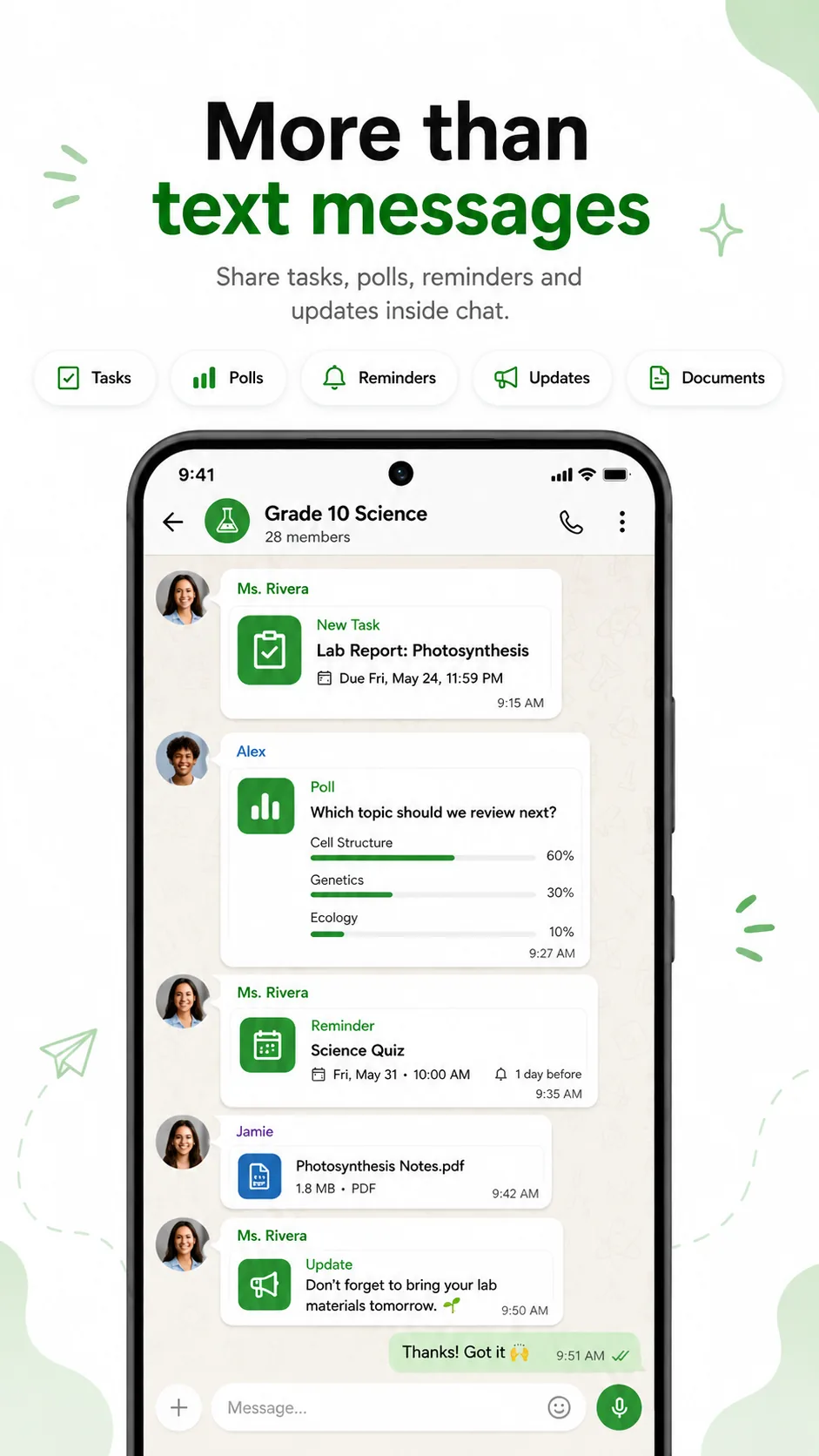
Read and reply to your class and school groups.
 ClasaMessenger
Clasa Web
Use Clasa Messenger on a computer, iPhone or iPad. No install, no download. Sign in with your phone number and everything is there.
web.clasa.appFree. Same account as the Android app.
Everything in one tab
The same school, classes and conversations you have on your phone.
Read and reply to your class and school groups.
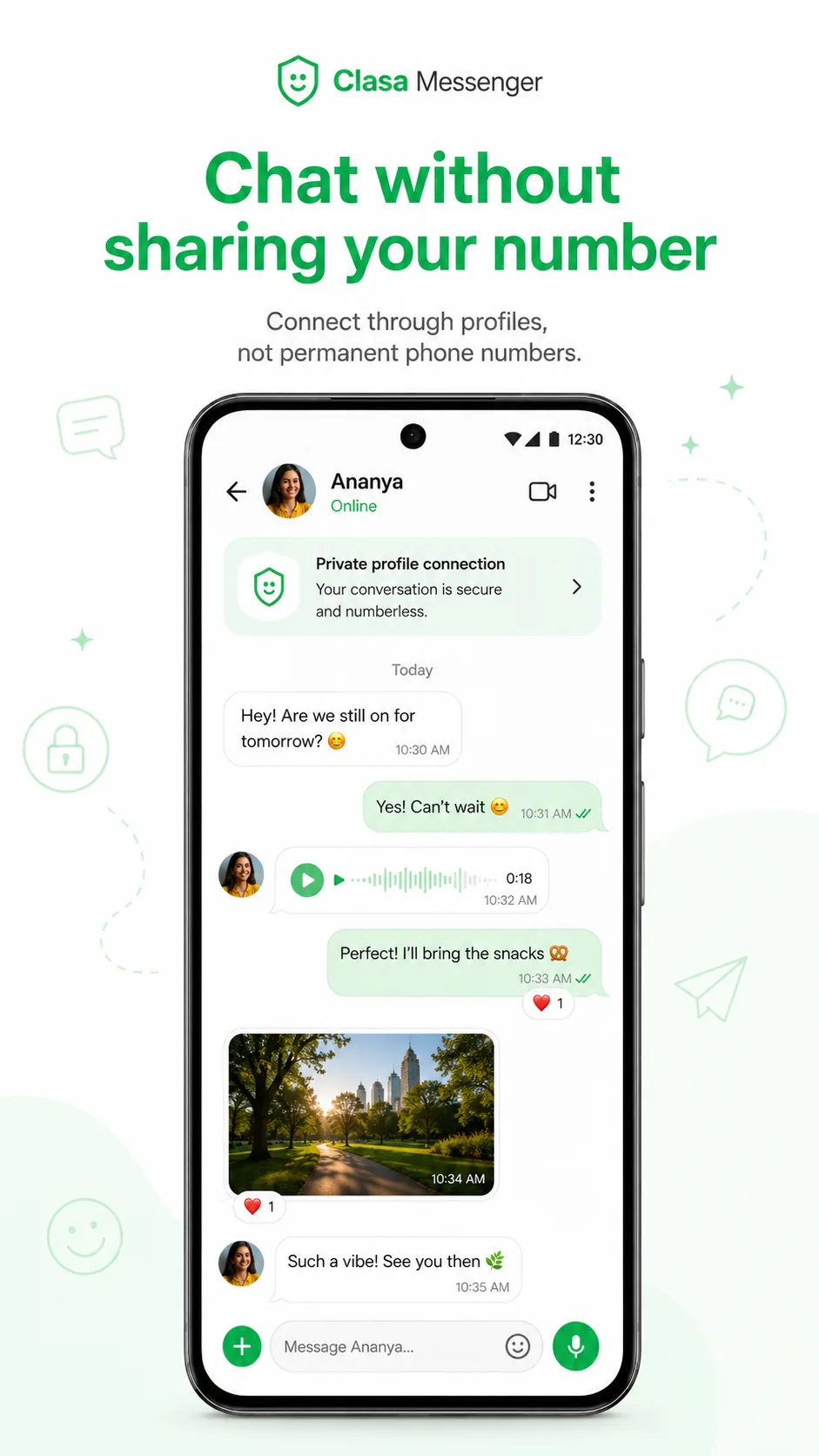
Message a teacher or parent without sharing numbers.
See what is due, with files and instructions.
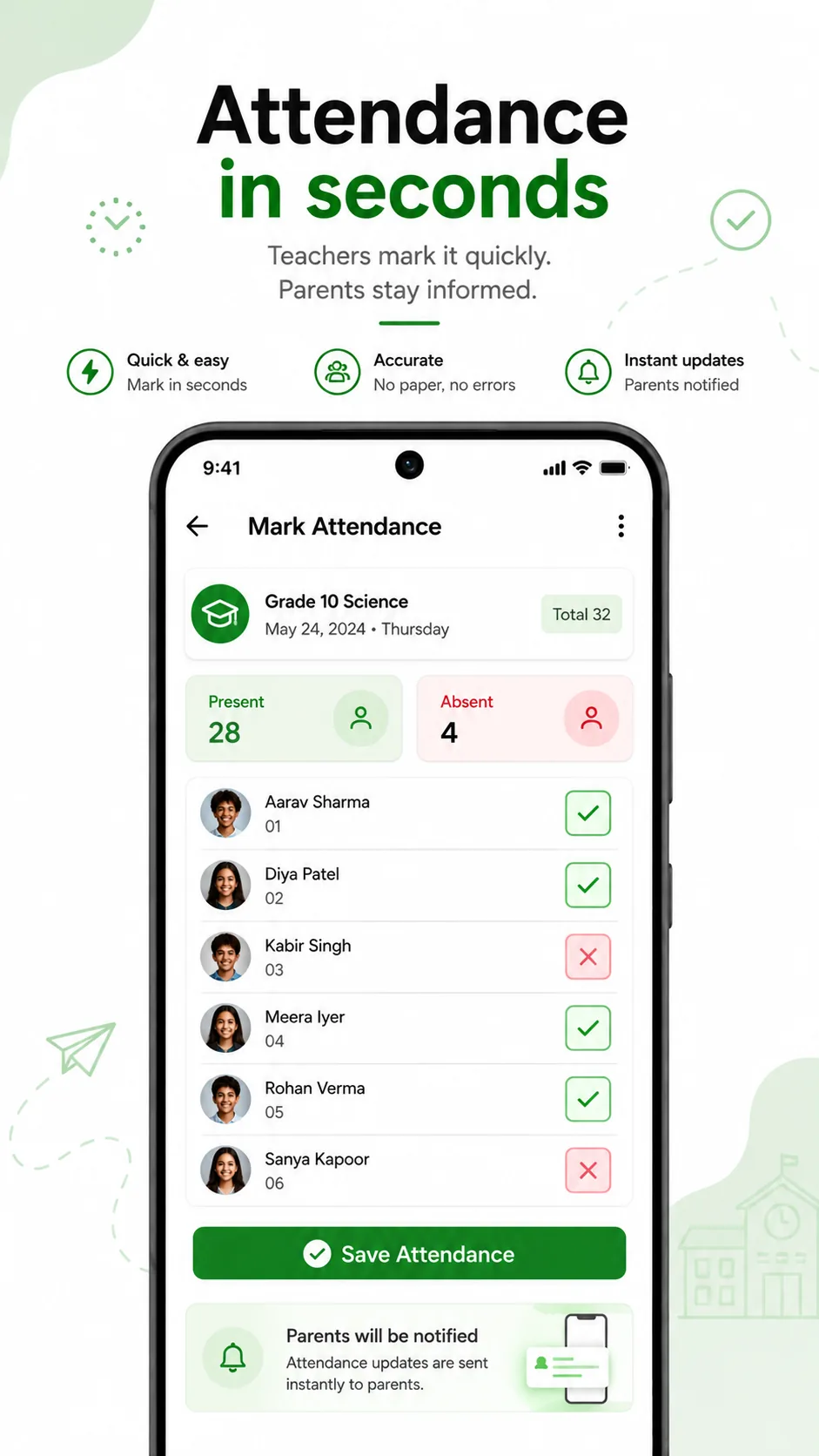
Class teachers take roll call from a laptop.
Manage classes, teachers and parents on a big screen.
Get new-message alerts in browsers that support them.
Start in a minute
In Chrome, Safari, Edge or Firefox.
The same number you use for Clasa on Android.
Use your school’s invite link or code, or set up a new school.
Yes. Clasa Web runs at web.clasa.app in any modern browser on a computer, iPhone or iPad. It is free.
No. Open web.clasa.app and sign in with your phone number. If you like, add it to your home screen so it opens like an app.
The iPhone app is coming soon. Until then, use Clasa Web in Safari on your iPhone or iPad.
Yes. Sign in with the same phone number and you see the same school, classes and conversations.
No. In school groups, members talk through their Clasa accounts, so phone numbers are not shown to the group. How Clasa keeps numbers private.
On an Android phone, use the Clasa app from Google Play. Clasa Web is for computers, iPhones and iPads.