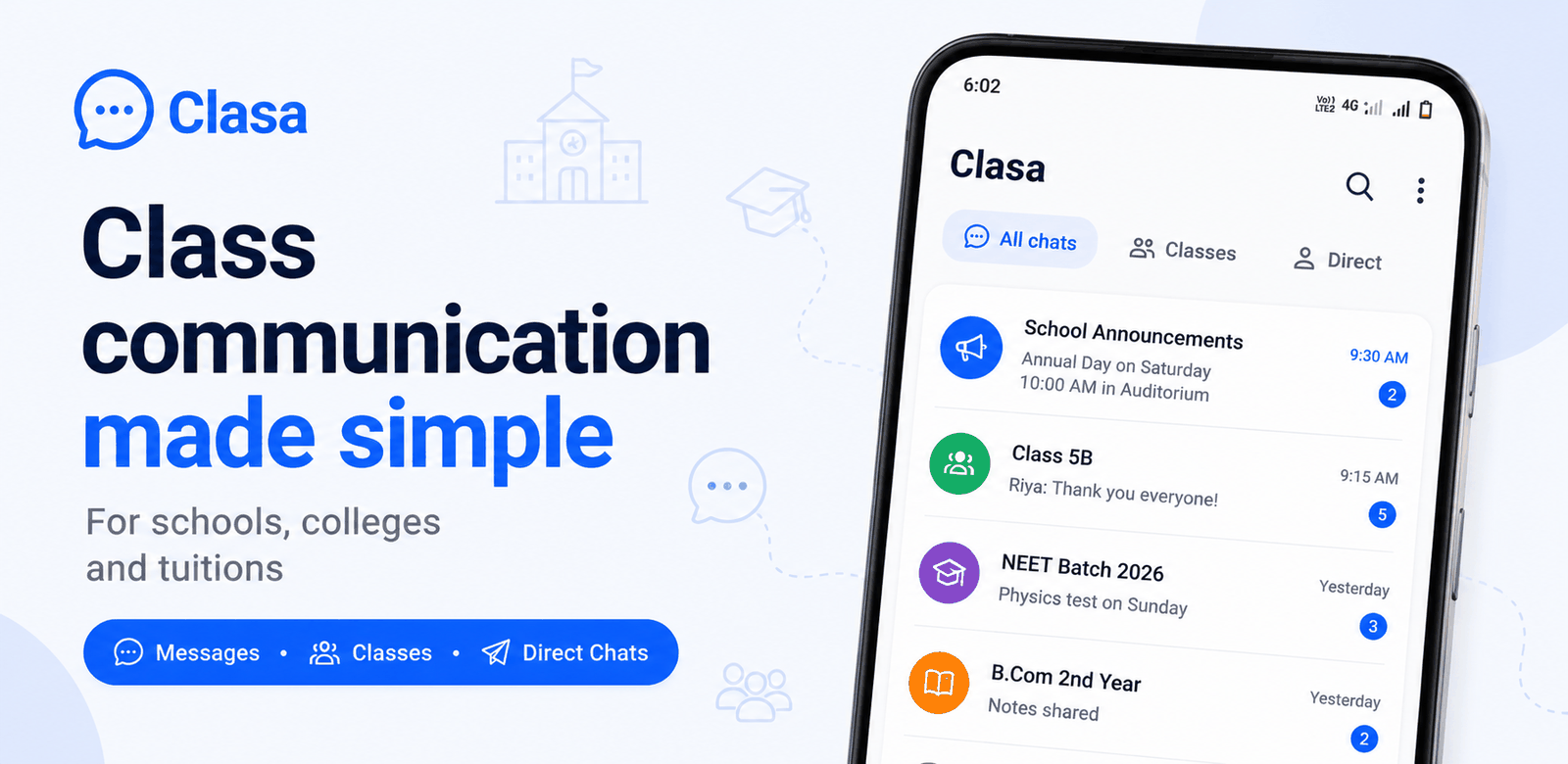
Clasa is a free school messaging app for Indian schools, tuitions, and colleges. A school joins Clasa, creates its classes and sections, and every teacher, parent, and student gets a role-based place in that structure. Day-to-day school communication — homework, notices, polls, attendance updates, fee reminders — happens as messages inside class groups and private chats, instead of inside a heavy ERP portal. Clasa is a free Android app on Google Play, and it runs in any browser as Clasa Web — so there is nothing to buy or deploy to get started.
Why schools outgrow WhatsApp groups
Most Indian schools coordinate through WhatsApp groups today. WhatsApp is familiar, but it was never designed for schools, and the problems show up fast:
- School messages and personal chats mix in the same app.
- There is no structure — a school with 40 sections needs 40 hand-made groups, rebuilt every academic year.
- Teachers must share their personal phone numbers with every parent.
- Anyone can post anything, so notices drown in good-morning forwards.
- Nothing school-specific exists: no roles, no class structure, no school-level control.
Clasa keeps what people like about a messenger — instant, familiar, chat-first — and adds the structure a school actually needs. For the full argument, read why schools should leave WhatsApp groups.
How Clasa works
- School spaces — Your school exists as one place in Clasa, organised into classes and sections that mirror how the school already works. See group messaging for schools.
- Class groups — Every class or section gets its own group. Homework, notices, polls, and updates land where they belong.
- Private chats — Teachers and parents message one-to-one when something needs a conversation, without personal numbers being passed around in groups. See parent–teacher chat.
- School tools in context — Role-based tools like attendance recording, CSV student import, and class teacher assignment live inside the same app, so the messenger stays the centre of gravity.
Who uses Clasa?
Teachers
Post homework and notices to class groups, share photos and files, and chat with parents privately — from one app. See the teacher setup guide.
Parents
See messages from your child's school in one place, separate from personal chats. Reply to teachers privately when needed.
Students
Join your class group with your school's code and get homework, notices, and class updates directly.
School admins
Create the school, set up classes and sections, import students, and assign class teachers — inside Clasa itself.
Is Clasa a school ERP?
No — and that is deliberate. A school ERP tries to manage records: admissions, payroll, inventory, timetables, exams. Clasa is a communication layer: it makes sure the daily flow of information between school and home actually reaches people, in an app they open willingly.
The two overlap at the edges. ERP-adjacent daily workflows — attendance updates, fee reminders, homework — work well as messages, and Clasa handles those chat-natively. But if your school needs full records management, that is a different category of software. We explain the difference honestly in what a school ERP is (and when you need one), and what heavy software really costs in The ERP Tax.
Clasa vs WhatsApp groups
| Aspect | WhatsApp groups | Clasa |
|---|---|---|
| Built for schools | ❌ General-purpose | ✅ School structure built in |
| Organisation | Manual groups, rebuilt yearly | School → classes → sections |
| Roles | None | Admin, teacher, parent, student |
| Teacher's personal number shared | Yes, with every parent | No — chat happens in the app |
| School vs personal messages | Mixed together | Separate app for school life |
| Group control | Anyone can post anything | Role-based school spaces |
| Cost | Free | Free to use today |
How to get started
- Get Clasa for your device, then sign in with your phone number.
- School admins: create your school, then add its classes and sections. Have a student list? Import it from CSV.
- Teachers, parents, students: join with your school's code and pick your role.
- Start messaging — class groups are ready as soon as the structure exists.
Frequently asked questions
Basics
What is Clasa?
Who is Clasa for?
What does Clasa cost?
Is Clasa a school ERP?
School onboarding
How does a school get started on Clasa?
Can we import our student list?
Class groups
How are class groups organised?
Who can delete messages in a group?
Parent–teacher chat
Do teachers have to share their personal phone numbers?
Attendance
Does Clasa handle attendance?
Fee reminders
Can Clasa send fee reminders?
Privacy & safety
How does Clasa keep school chats safe?
Moving from WhatsApp
How do we move our school from WhatsApp groups?
App access
Do I need to download an app from an app store?
Account & legal
How do I delete my Clasa account?
Try Clasa with your school
Sign in with your phone number, create or join your school, and see your class groups come alive.
Get Started — it's free